


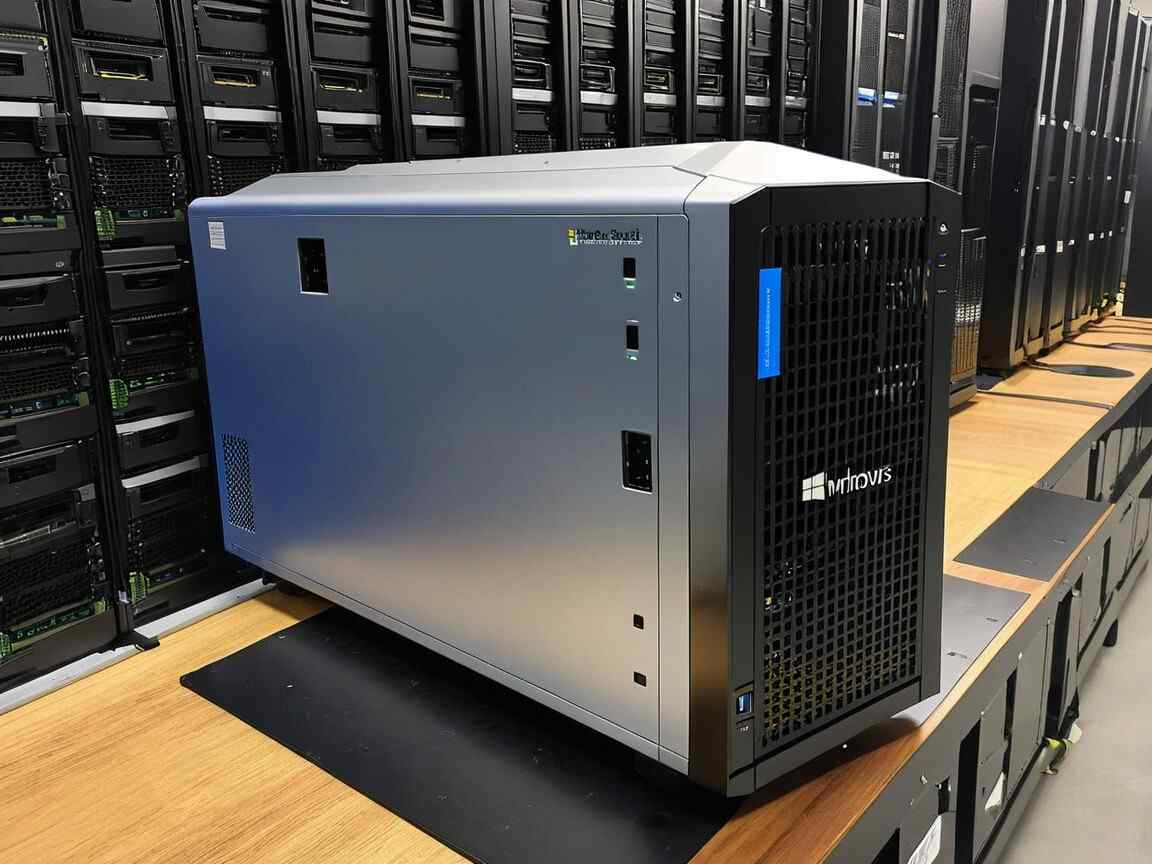

Windows Server 2016 reached the end of mainstream support in January 2022 and will receive extended support until January 2027. The Windows Server 2016 end of life is a key milestone for businesses that must upgrade before support fully expires in 2027. Learn about the key dates, upgrade options, and security considerations as you plan your transition to newer versions of Windows Server.
What Does “End of Mainstream Support” Mean?
Mainstream support refers to the period when Microsoft provides active assistance, including new feature updates, security patches, and regular bug fixes. After this phase ends, customers no longer receive regular updates, leaving systems vulnerable to security risks. Extended support, which continues until January 11, 2027, only includes critical security updates and patches, without any new features or non-security updates.
Key Dates for Windows Server 2016
The Windows Server 2016 end of support deadline in January 2027 will mark the complete end of security updates and patches.
- End of Mainstream Support: January 11, 2022
- End of Extended Support: January 11, 2027
What Happens After January 2022?
After January 2022, Windows Server 2016 users no longer receive new features or performance improvements. With the Windows 2016 end of life approaching, IT leaders should prepare transition strategies to avoid downtime and security gaps. Although security updates will still be available during the extended support phase, the following concerns arise. Ignoring the server 2016 end of life can expose organizations to higher security risks and compliance issues:
- Security Risks: Without regular updates and patches, systems running Windows Server 2016 become more susceptible to security threats.
- Compliance Issues: Continuing to use outdated systems may lead to non-compliance with regulatory standards.
- Cost of Maintenance: Extended support can incur additional costs for Custom Support for organizations requiring updates beyond critical security patches.
- Support Availability: Microsoft’s customer support for Windows Server 2016 will be limited after mainstream support ends, potentially leading to longer resolution times for issues.
The Importance of Upgrading:
Upgrading to newer versions of Windows Server, such as Windows Server 2019 or Windows Server 2022, is essential for organizations. Benefits include. As the Windows Server end of support timeline gets closer, migration planning becomes critical for business continuity. The server 2016 EOL phase highlights the importance of planning migrations to Windows Server 2019 or 2022:
- Enhanced Security: Newer versions offer better protection against emerging threats and ransomware.
- Performance Improvements: Later versions come with optimizations that enhance system performance, particularly in virtualized environments.
- New Features: Upgrading unlocks advanced cloud integration, improved container support, and other key innovations.
How Long Will Windows Server 2016 Be Supported?
Windows Server 2016 reached end of mainstream support on January 11, 2022. It will continue to receive extended support until January 11, 2027. During this extended support phase, Microsoft will only provide critical security updates and patches, but there will be no new feature updates or non-security fixes. After 2027, Windows Server 2016 will no longer receive any support. During the Windows Server 2016 EOL period, only critical security updates are released, with no new features or enhancements.
Which Windows Servers Are End of Life?
Several Windows Server versions have either reached or will soon reach their end of life.Several versions have reached the Windows Server end of life, including 2008, 2012, and now 2016:
- Windows Server 2008 and 2008 R2: These versions reached the end of support on January 14, 2020.
- Windows Server 2012 and 2012 R2: End of mainstream support was on October 9, 2018, and the extended support will end on October 10, 2023.
- Windows Server 2016: End of mainstream support was on January 11, 2022, and extended support will last until January 11, 2027.
- Windows Server 2019: End of mainstream support will be on January 9, 2024, with extended support until January 9, 2029.
- Windows Server 2022: Current version, with support until October 14, 2031 (mainstream support).
Can I Upgrade From Server 2016 to Server 2022?
Yes, it is possible to upgrade from Windows Server 2016 to Windows Server 2022. An in-place upgrade is available, allowing you to upgrade without needing to wipe your server or reinstall it from scratch. Running systems beyond the end of life Windows Server 2016 period will increase vulnerability to cyberattacks and compatibility issues. However, ensure that:
- Your server meets the hardware and software requirements for Windows Server 2022.
- You perform the upgrade in a test environment first to check for compatibility and resolve potential issues.
- You back up all data before starting the upgrade process.
Planets Snapchat – Unleash Your Inner Stargazer!
Is Windows Server 2016 Still Supported?
Yes, Windows Server 2016 is still supported under extended support until January 11, 2027. However, since it is no longer in ainstream support, no new features or non-security updates will be released. Only security patches and fixes for critical issues will be provided. Organizations using Windows Server 2016 must consider upgrading to a newer version before the end of extended support to ensure continued protection and feature access.
This information is important for businesses to plan their upgrades and ensure they stay secure and compliant as they transition to newer server versions.
FAQs:
What is “Mainstream Support” and “Extended Support” for Windows Server 2016?
Mainstream support ended on January 11, 2022, which means no new features, general updates, or fixes were provided. During extended support (until January 11, 2027), only security patches and critical updates will be released, without any new features or non-security fixes.
Can I Get Help With Windows Server 2016 After January 2022?
Yes, Microsoft will continue to offer technical support for security issues until 2027. However, there will be no help for new features, non-security fixes, or general system updates after mainstream support ends.
What Risks Do I Face By Using Windows Server 2016 After 2022?
Running Windows Server 2016 after 2022 without mainstream support can expose your system to security vulnerabilities, as no new features or general updates will be available. Additionally, you could face compliance issues with industry standards that require up-to-date systems.
Why Should I Upgrade to a Newer Version of Windows Server?
Upgrading to Windows Server 2019 or Windows Server 2022 will provide better security, improved system performance, and access to new features like enhanced cloud integration and container support. These benefits help ensure your systems stay protected and efficient.
Can I Upgrade from Windows Server 2016 to Windows Server 2022?
Yes, an in-place upgrade is possible from Windows Server 2016 to Windows Server 2022. However, ensure your hardware meets the requirements and back up your data. It’s also recommended to test the upgrade in a non-production environment before implementing it.
What Happens If I Keep Using Windows Server 2016 After 2027?
After January 2027, Windows Server 2016 will no longer receive any support. This means no security patches, leaving your system vulnerable to threats and potentially causing compatibility issues with newer software.
How Much Will Custom Support Cost After Extended Support Ends?
After 2027, custom support will be available for organizations that need extra help beyond the standard extended support. However, this service will come at an additional cost, and you will need to contact Microsoft for specific pricing details.
Conclusion:
The end of mainstream support for Windows Server 2016 is a critical milestone that requires proactive planning. Organizations must weigh the risks of running unsupported software against the benefits of upgrading to newer versions to ensure continued security, compliance, and performance.
Also Read: